
How to play games with friends on a plane without internet
Online multiplayer needs internet, and in-flight Wi-Fi is rarely up to it. Here are the ways to play together on a flight that actually work, whether you're sitting side by side or rows apart.
, 4 minute read
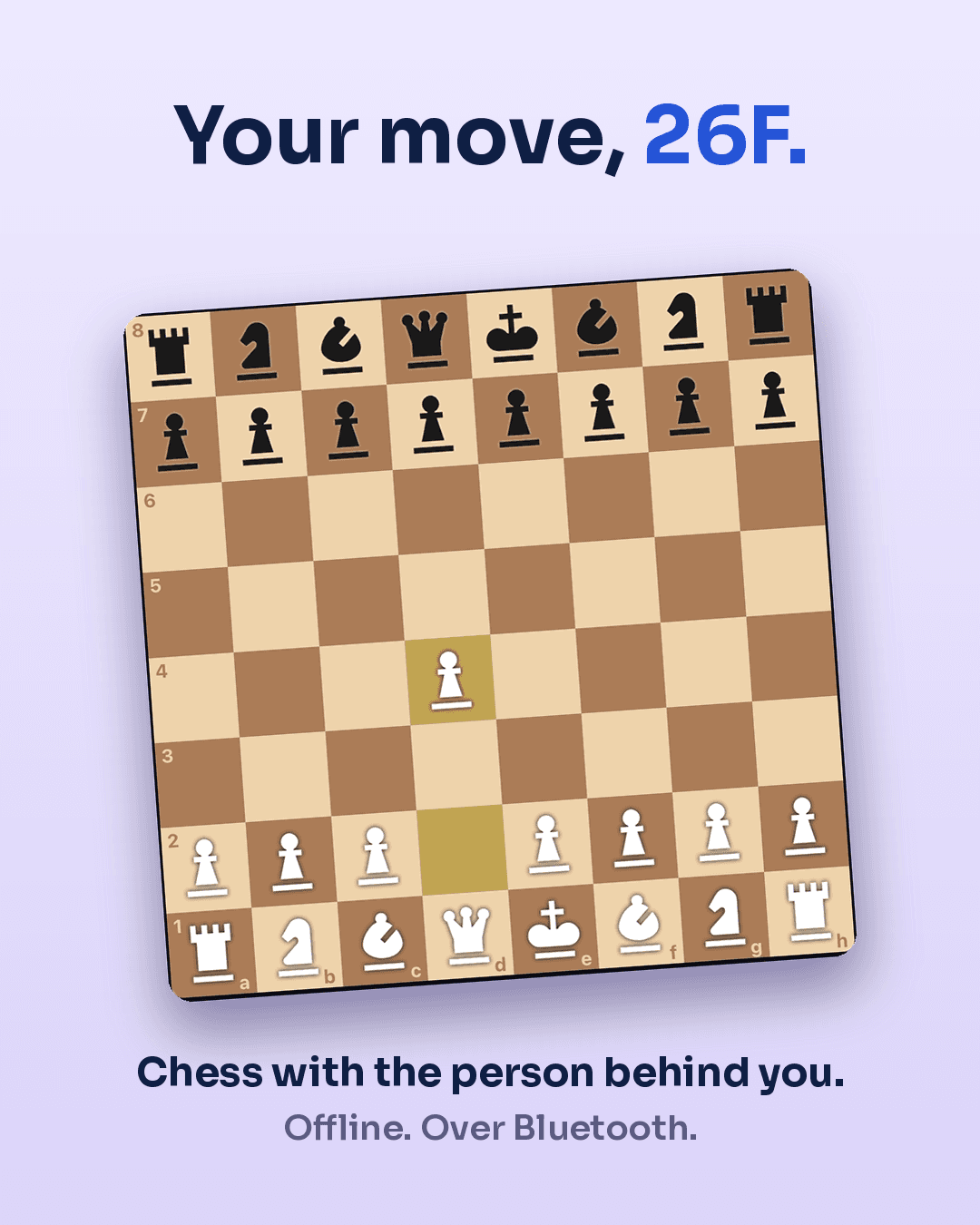
You're on a flight with friends, there are hours to go, and someone says "let's play something". Then you remember: most multiplayer games on your phone need the internet. In-flight Wi-Fi, where it exists, is usually too slow, too expensive or too patchy for real-time games, and some airlines block gaming traffic altogether.
So what actually works? It depends mostly on one thing: are you sitting together or not?
If you're sitting together
Pass-and-play on one device
The simplest option. Plenty of board game apps (chess, checkers, card games, word games) have a "pass and play" or "local two-player" mode where you hand one phone or tablet back and forth. No connection of any kind needed.
It's best for turn-based games where nobody needs to hide anything. Anything with secret cards gets awkward when your opponent is holding your hand of cards.
Tip: download and open the app before you fly. Some games check for updates or download extra content on first launch, which you can't do at 35,000 feet.
A handheld console
If someone brings a games console with local wireless play, two or more people with their own consoles can play together without internet. Check that everyone has the same games installed (and updated) before you leave.
Classic analog games
Don't underestimate the old stuff. A deck of cards fits in any pocket and covers dozens of games. A small travel board game works on a tray table. And with just pen and paper:
- Dots and boxes: take turns drawing lines, complete a box to claim it.
- Battleship: two grids on squared paper and a lot of "B7?"
- Hangman or 20 questions for a quieter round.
- Tic-tac-toe, if you've given up on winning anything meaningful.
The seat-back screen
Some in-flight entertainment systems include games, and a few have multiplayer modes like trivia between seats. It varies a lot by airline and aircraft, but it's worth a look in the games menu.
If you're sitting apart
This is the hard case, and it's more common than you'd think: separate bookings, a last-minute seat change, a family split across two rows. Passing a phone over three rows of strangers isn't really an option.
What you need is a way for two phones to connect directly, without the internet in between. Phones can do that: they have Bluetooth and peer-to-peer Wi-Fi radios that talk to each other with no network at all. (If you're curious how that works, we wrote a plain-English explainer on Bluetooth and peer-to-peer connections.)
The catch is that very few games use those radios. Most mobile games assume you're online and route everything through a server. To play with someone a few rows away, you need a game built for local, phone-to-phone play.
A few things to keep in mind:
- Range is limited. Phone radios reach people nearby, not the whole plane. Seats, bags and especially people absorb the signal, so closer is better. If it's not working, try from a few rows closer.
- Bluetooth needs to be on. Airplane mode can switch it off on some phones. Most airlines allow Bluetooth once the crew says devices can be used, but always follow their instructions.
- Everyone needs the same app, installed before boarding.
Tips for any game on a plane
- Charge up before boarding. Games use more battery than reading. If your seat has a power socket, bring the cable in your carry-on.
- Check your airline's power bank rules. Spare batteries must go in hand luggage, and some airlines now restrict using power banks during the flight.
- Update everything on the ground. An update prompt mid-flight is game over.
- Turn the sound off or use headphones. Your neighbors did not sign up for your victory fanfare.
- Dim your screen on night flights. A bright screen in a dark cabin is like a lighthouse.
- Pick the right game for the moment. Quick rounds during the meal service, longer games when the lights go down.
Mind your neighbors
Games get competitive, and cabins are small. Keep the celebrations quiet, mind your elbows on the armrest, and if the person next to you is sleeping, maybe skip the tug-of-war rematch for now.
Where CabinPlay fits
We built CabinPlay for exactly the "sitting apart" problem. Phones find each other with no internet, no mobile data and no airline Wi-Fi, so you can see who nearby has the app open and challenge them, whether that's your friend a few rows back or the person behind you who also finished their movie.
There are quick duels you both play at the same time, like mini golf, pool and a penalty shootout, and longer games like chess, sea battle or Murlan for the long stretch over the ocean. You can chat during a game or skip the game and just talk, one-on-one or in a group chat with your travel crew. If nobody's nearby yet, you can play against the computer or pass one phone back and forth.
CabinPlay is on the App Store and Google Play. Download it before your next flight, and get your travel buddies to do the same.
Quick recap
| Situation | What works |
|---|---|
| Sitting together, one phone | Pass-and-play board games, cards, pen and paper |
| Sitting together, own devices | Local wireless games, phone-to-phone apps |
| Sitting apart | Apps that connect phones directly over Bluetooth / peer-to-peer Wi-Fi |
| Kids on board | Cards, drawing games, seat-back games |
Whatever you play: download it before you board.